Module 3 Formstorming

Weekly Activity Template

Huang Jingchou


Project 3


Module 3

Explored how interactive systems respond to user input and motion by using p5.js to simulate forces, behaviors, and real-time feedback, learning how to design motion logic, system states, and physical-to-digital interaction.

Activity 1
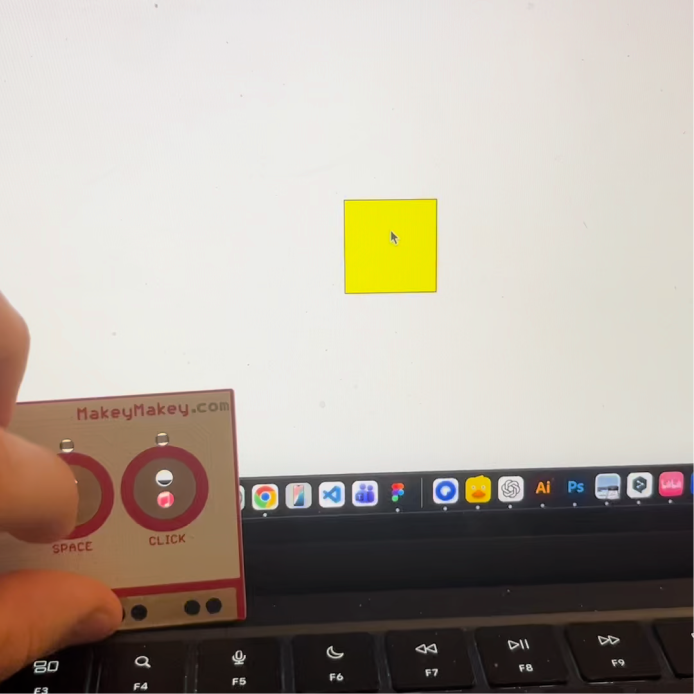
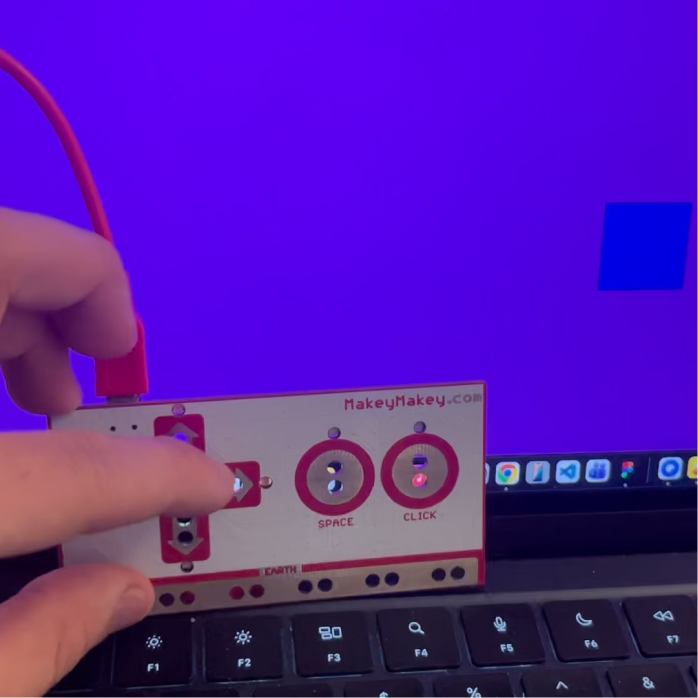
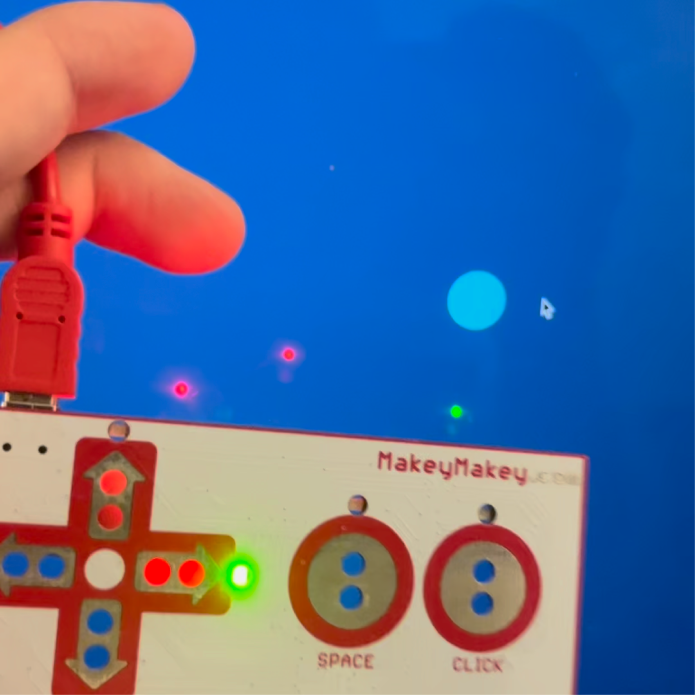
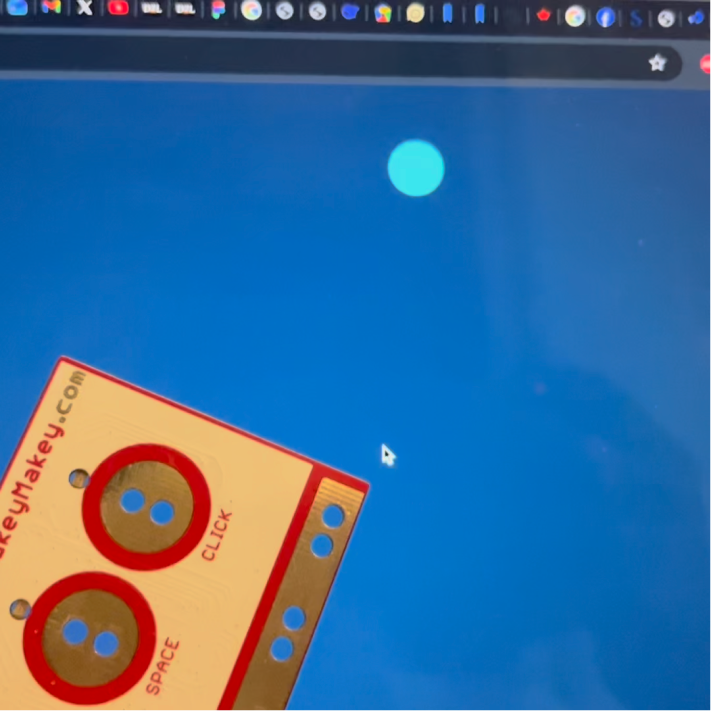
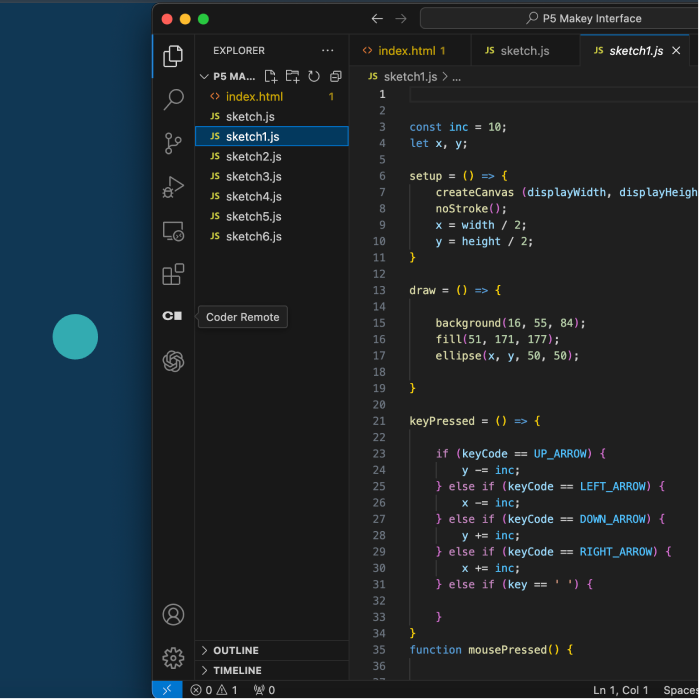
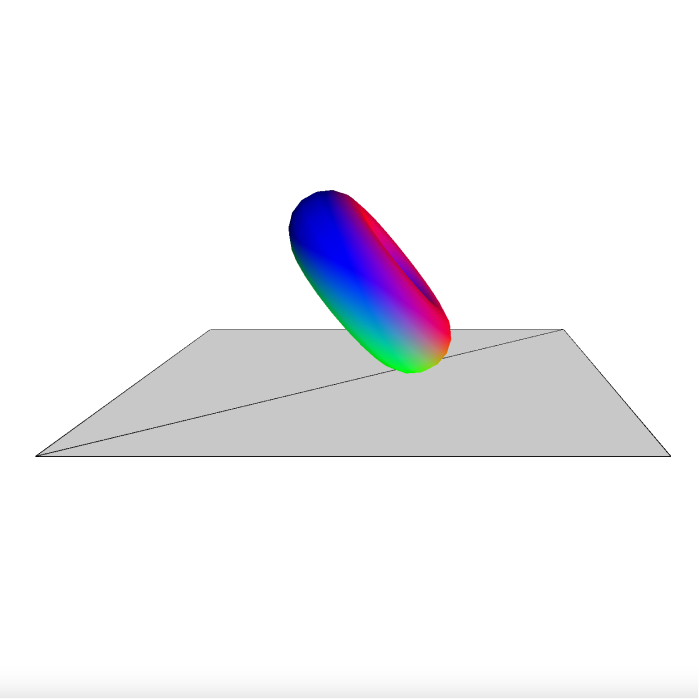
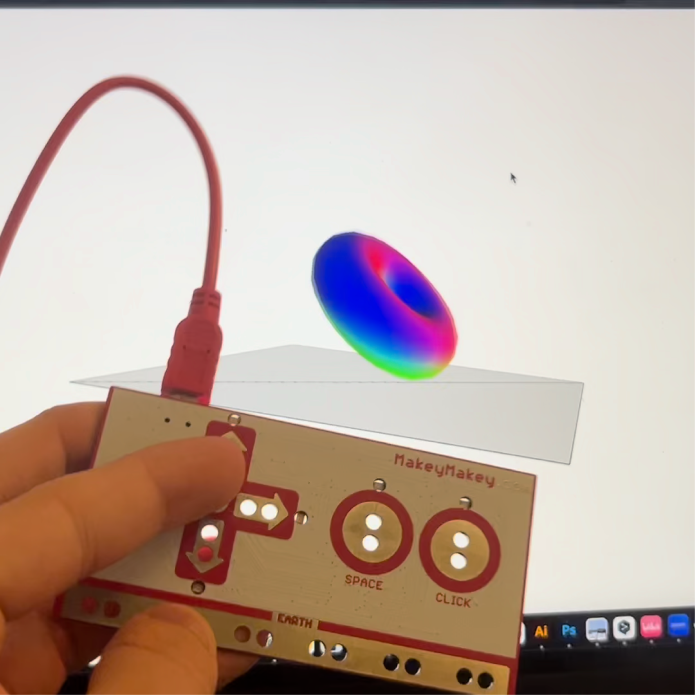
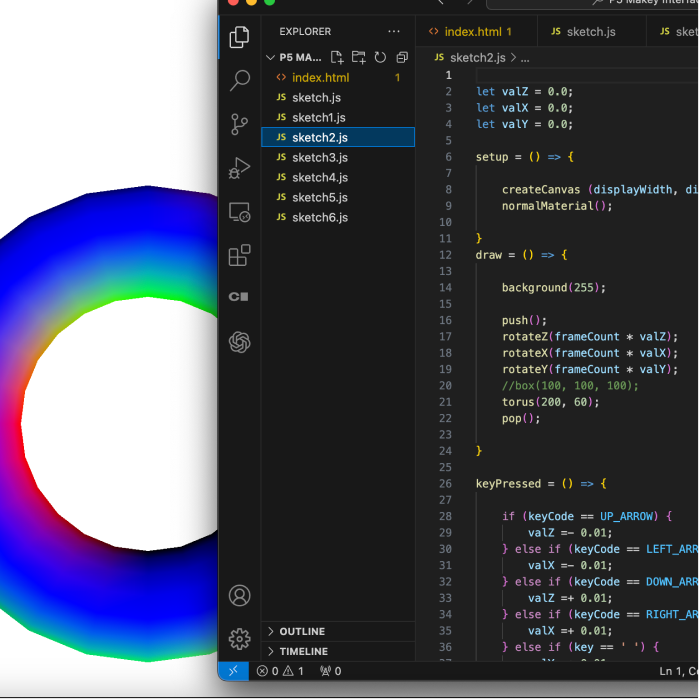
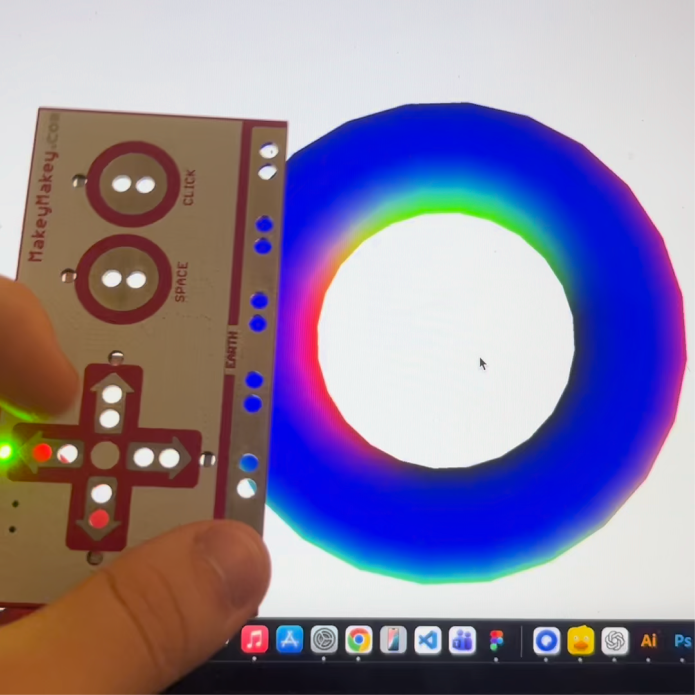
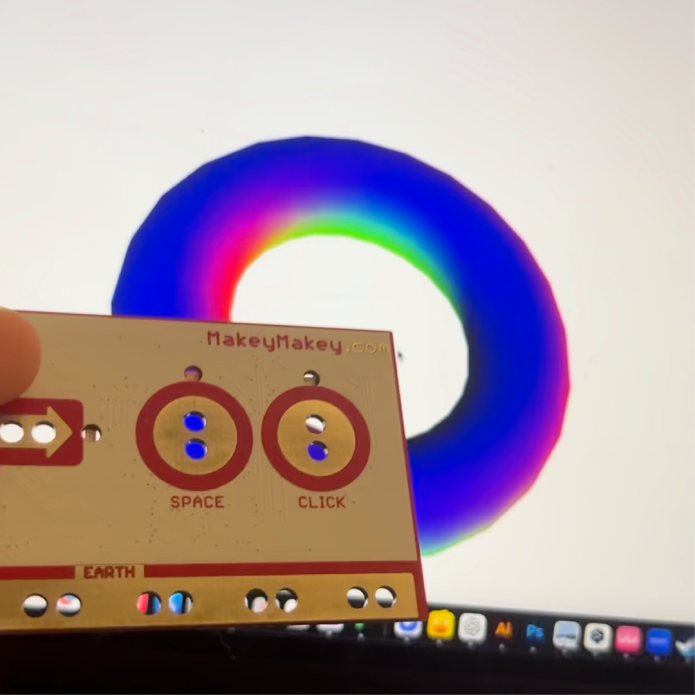
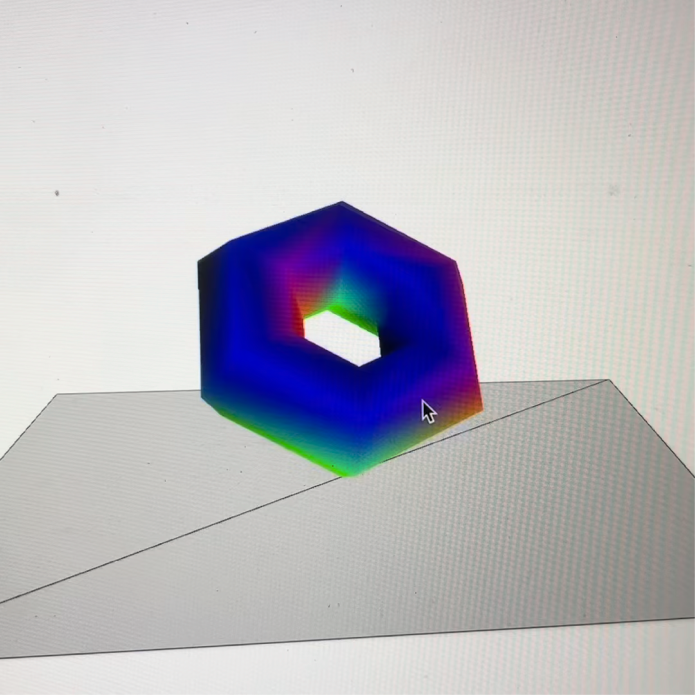
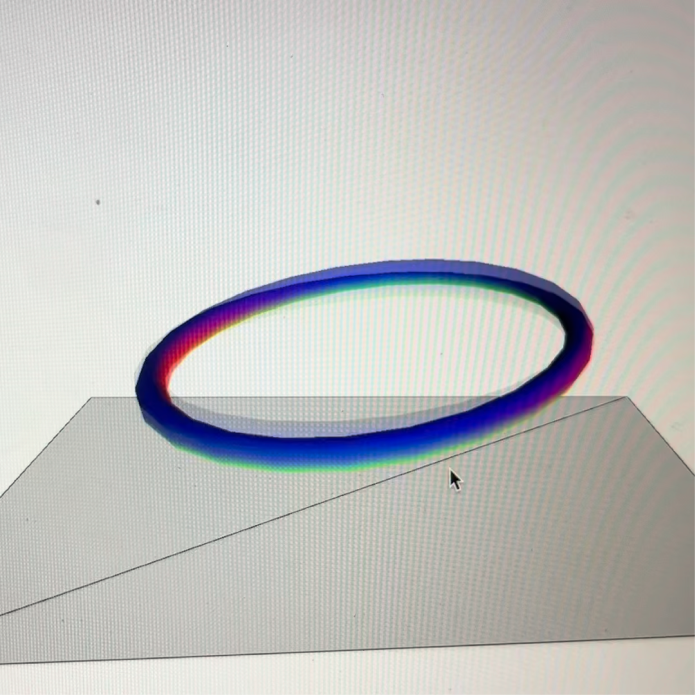
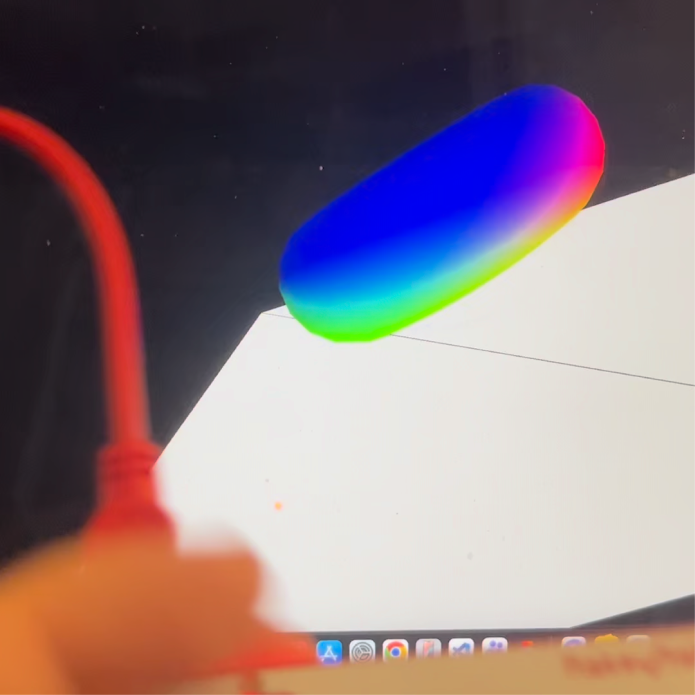
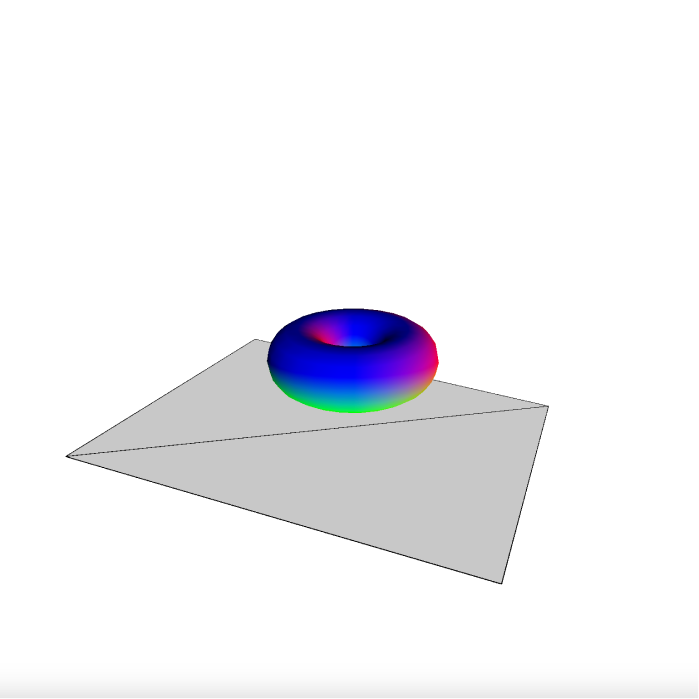
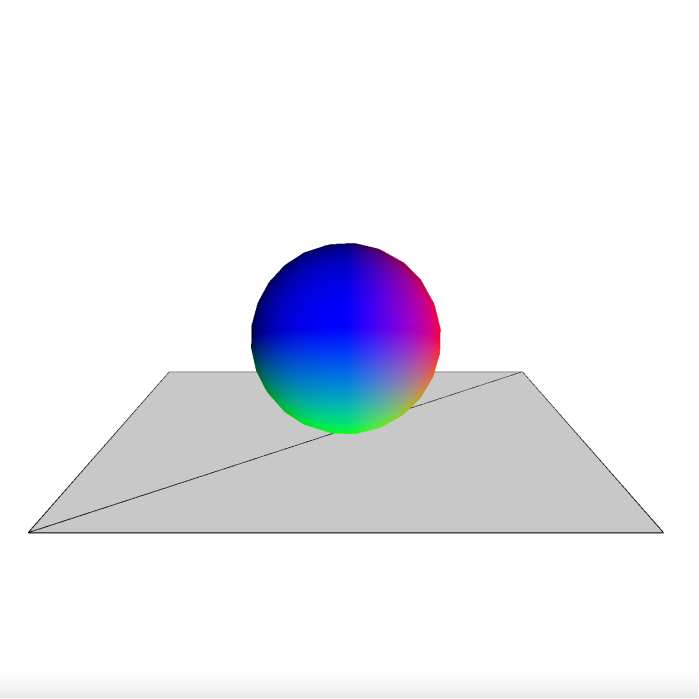
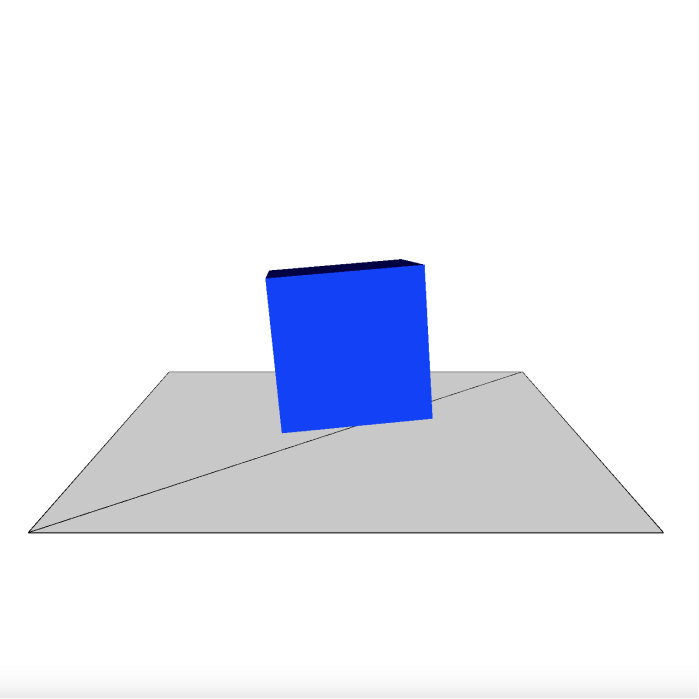
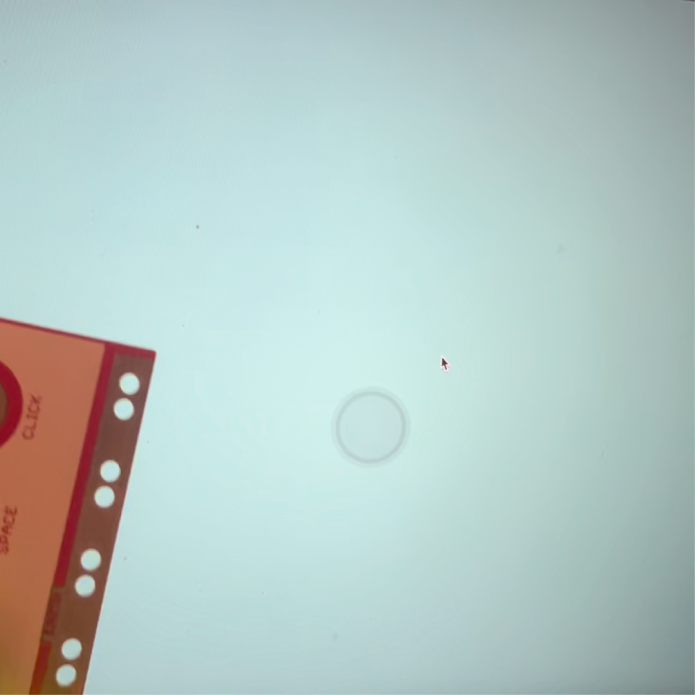
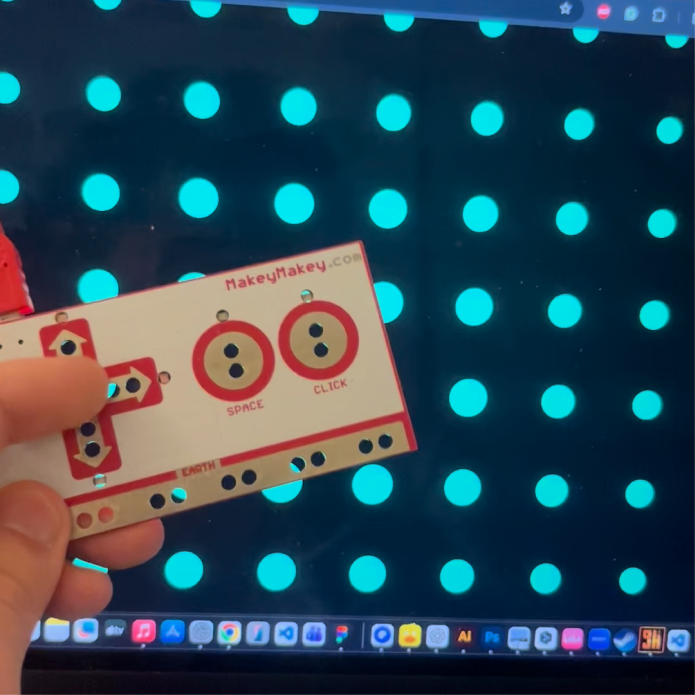
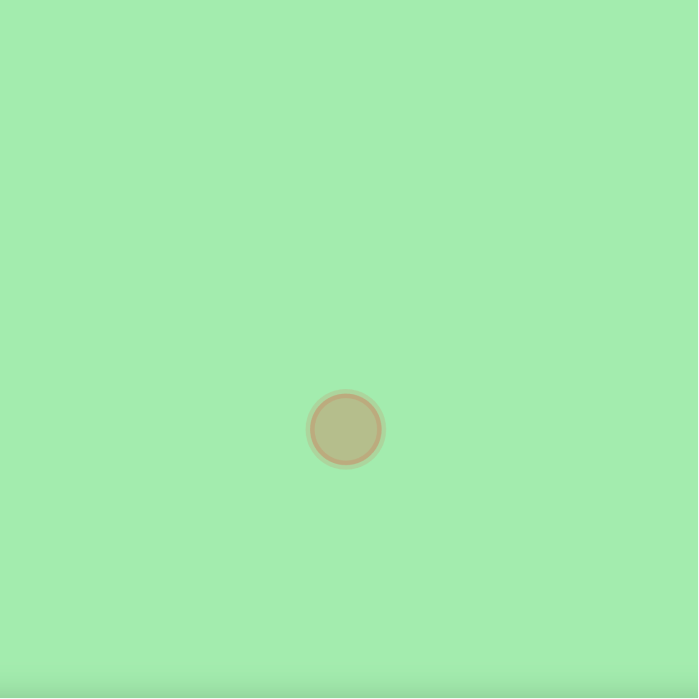
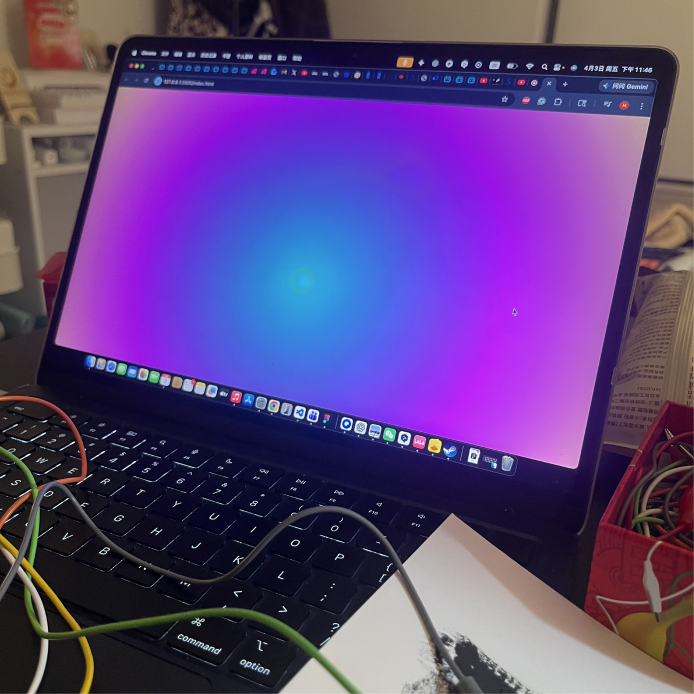
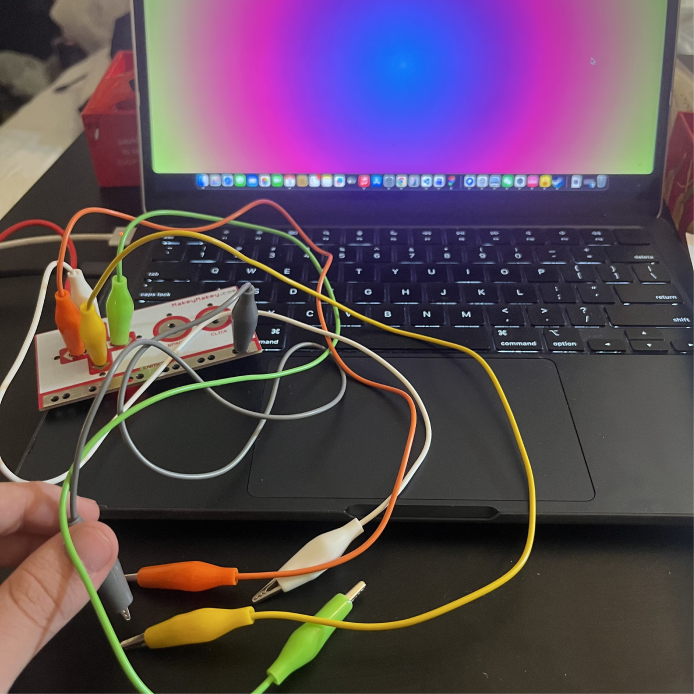
Clicked on the space key and the box turned yellow Clicked on the right key and the box turned blue Clicked on the right key and the circle moved to the right side Clicked on the up key and the circle moved to the right side Making change to the code for the colors of the background and the circle Activating the sketch 2 file Clicked on the up key and the angle lifted Making change to the sketch 2 code Clicked on the up key and the up side of the torus occured Clicked on the left key and it rotated a little to the left side Changed the round torus to a hexagon nut Changed the object's shape to a thinner and bigger torus Clicked on the left key and the angle went left Making change to the visual angle Activating sketch 4 Changed the shape of the object to a box Activating sketch 5 Clicking on the arrow keys to activate the sound wave Changed the background color Testing the changed version Activating sketch 6 Changed the pattern of arranging the circle, making it cover the entire screen Changed the background color to green Changed the background color to purple Added particle and gradients effects to the code

Activity 2
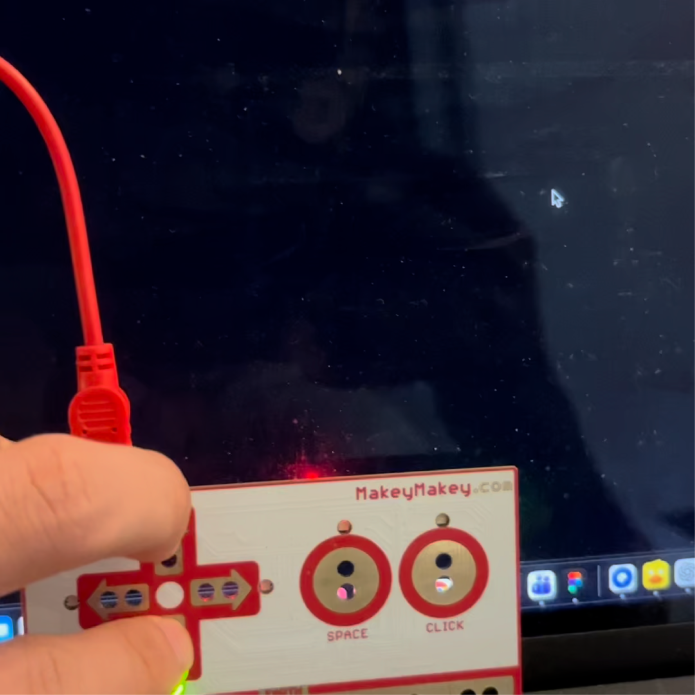
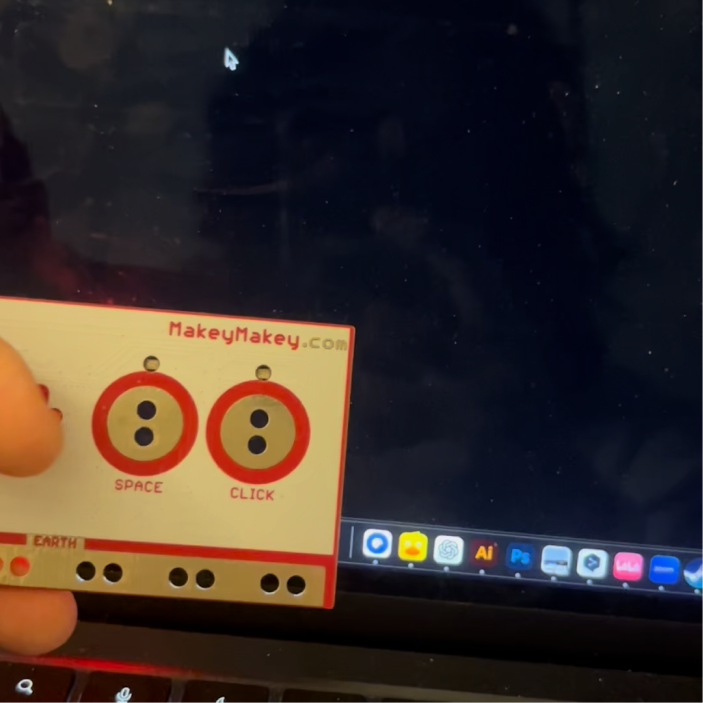
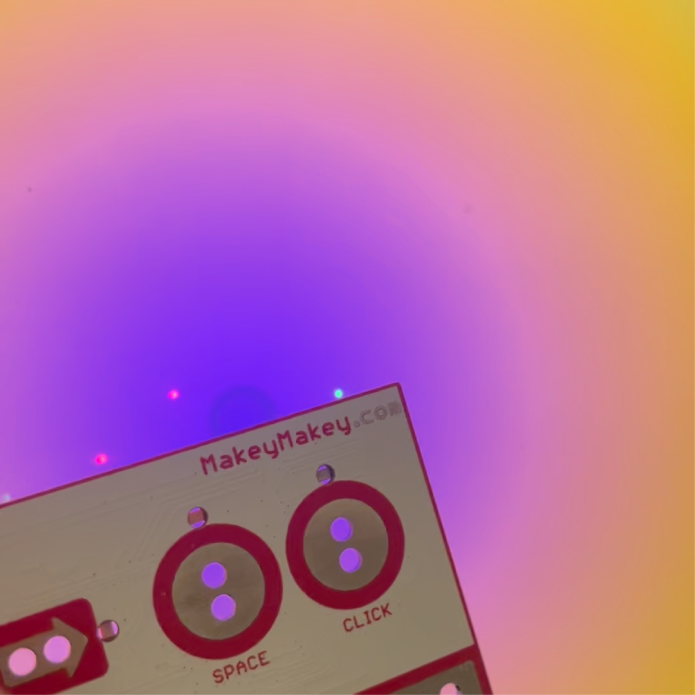
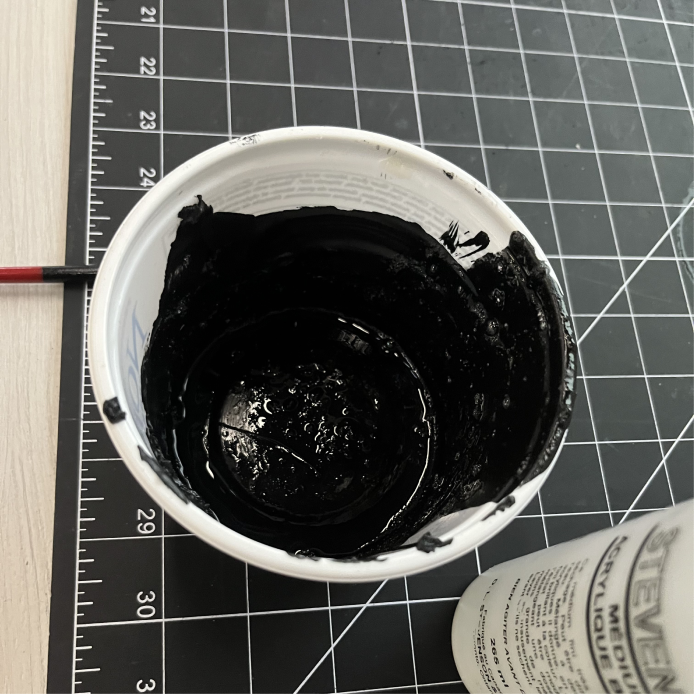
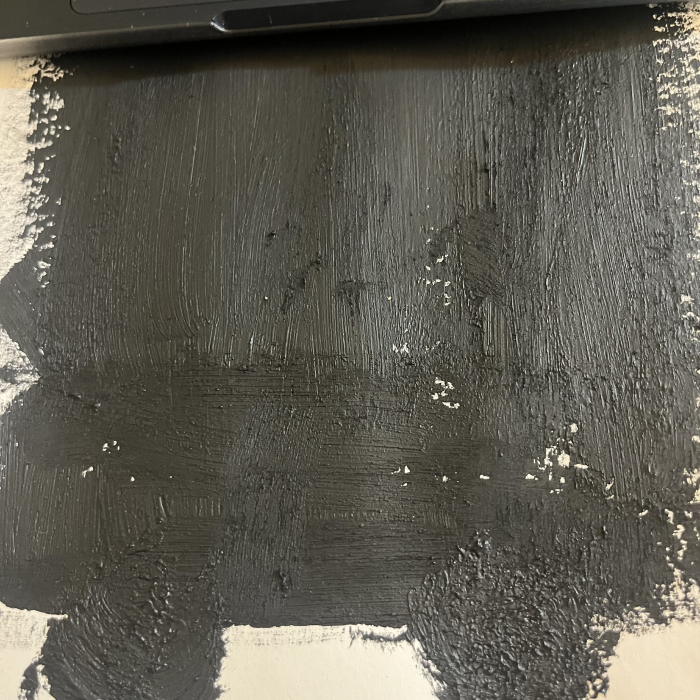
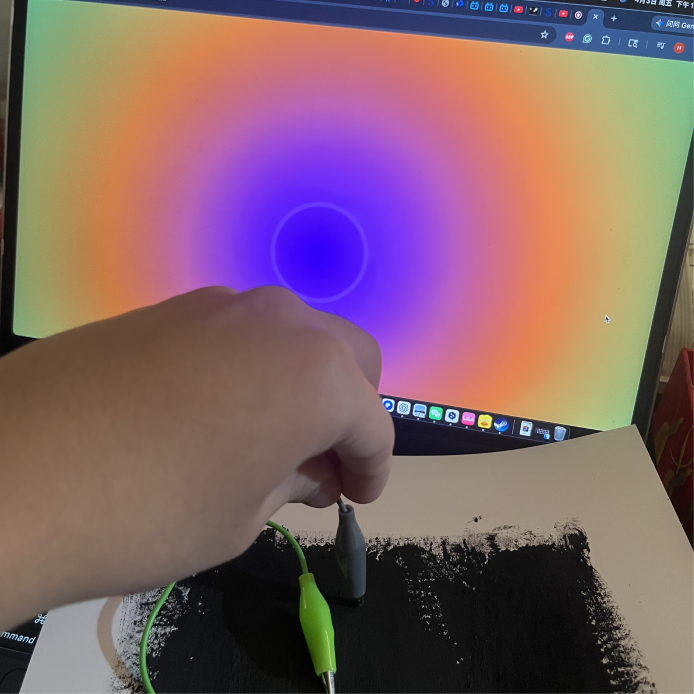
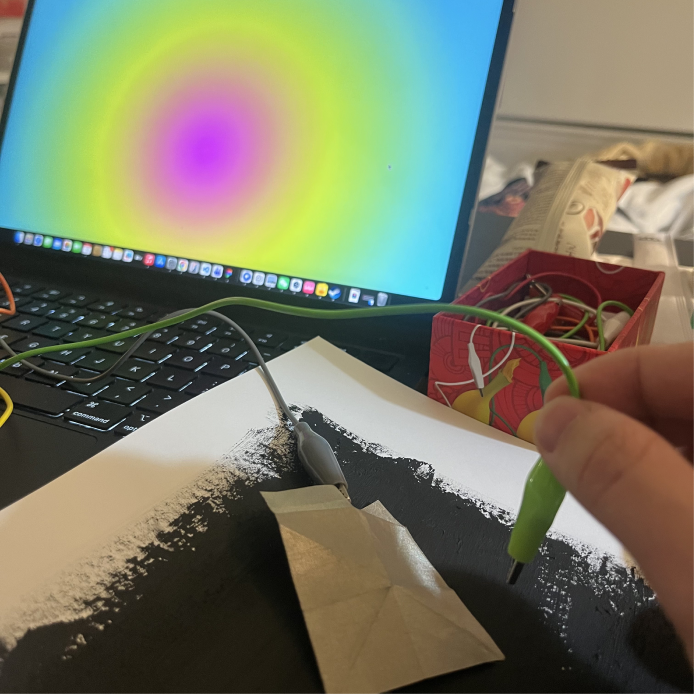
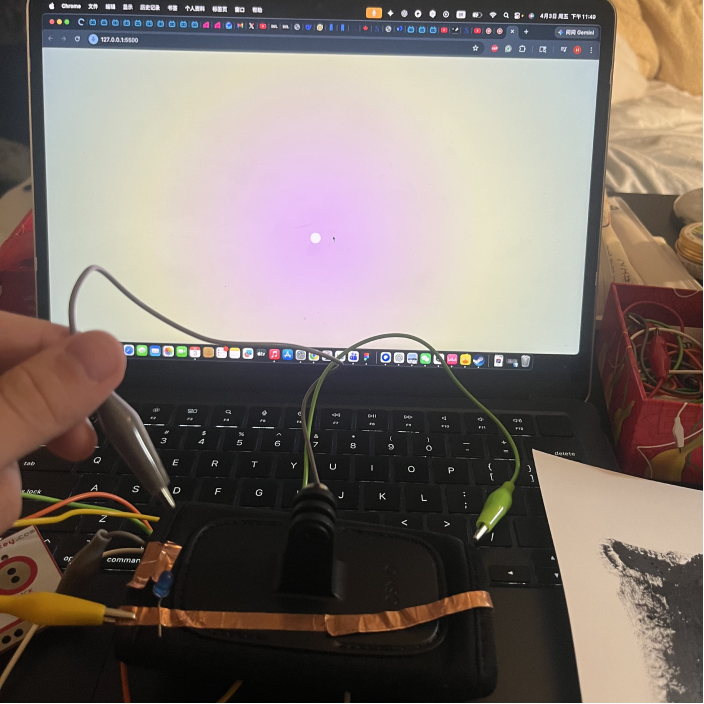
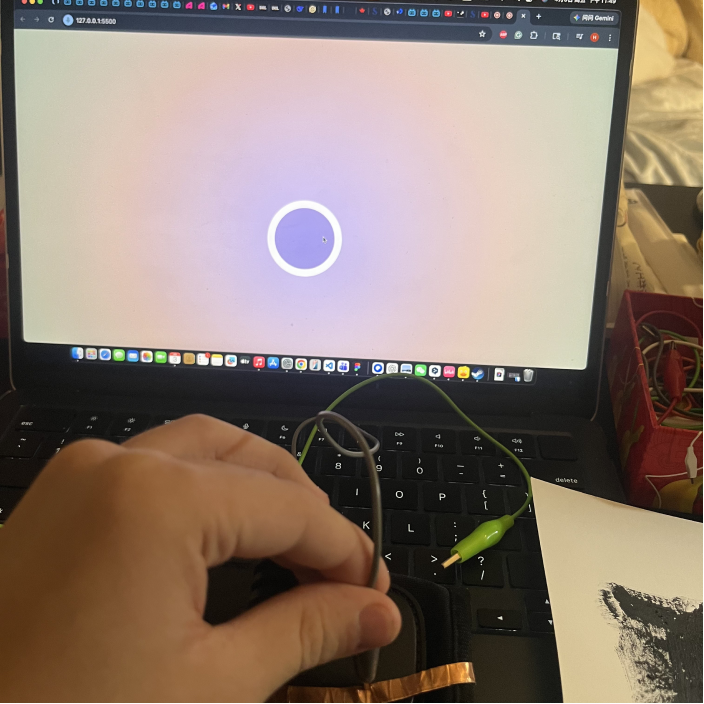
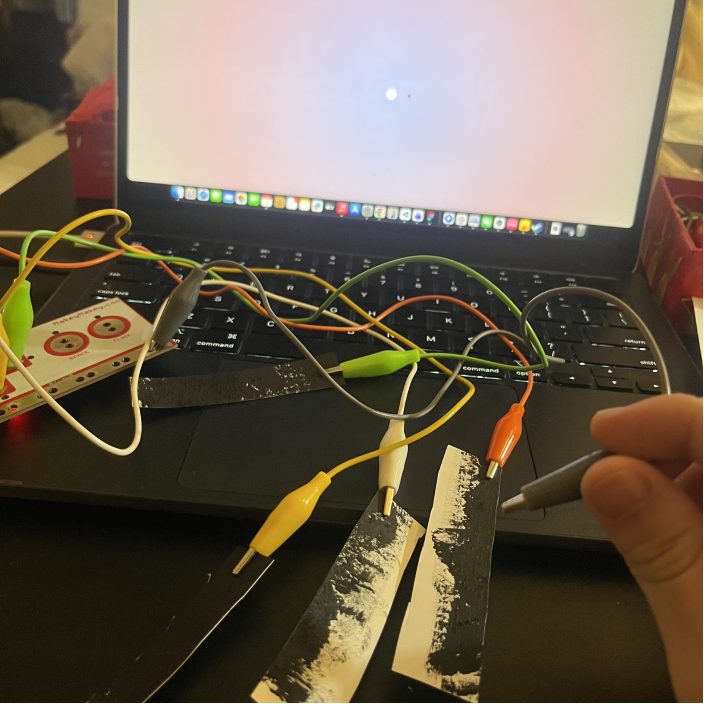
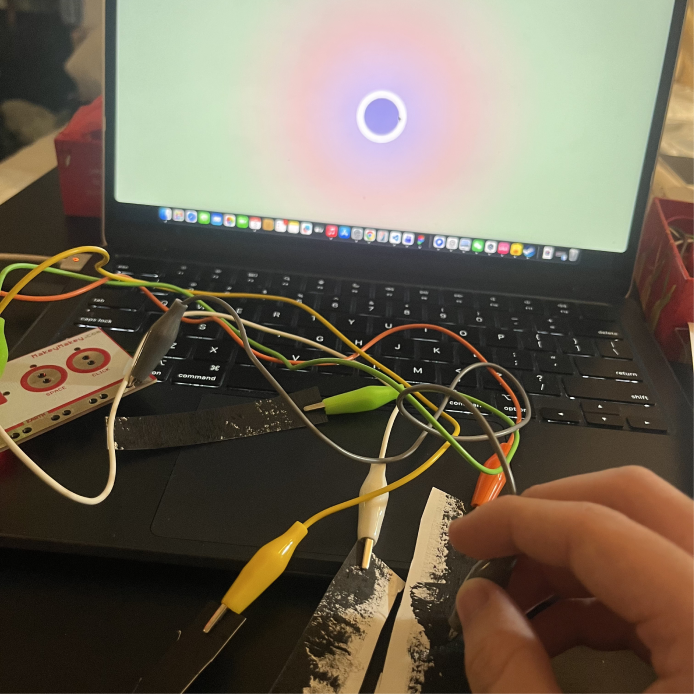
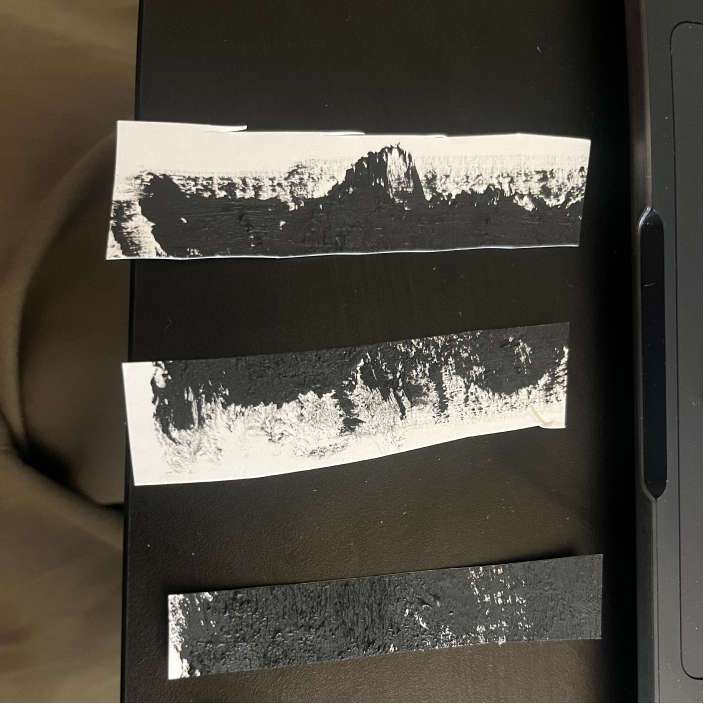
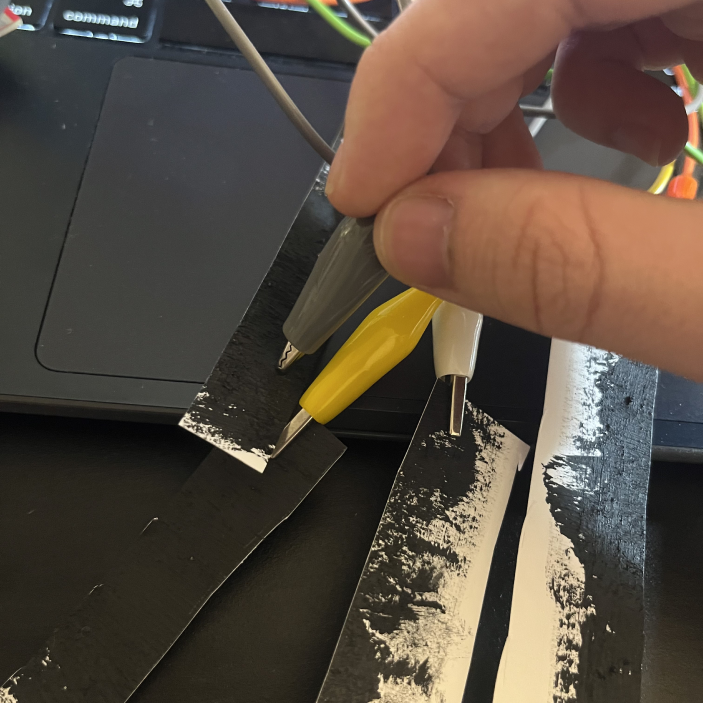
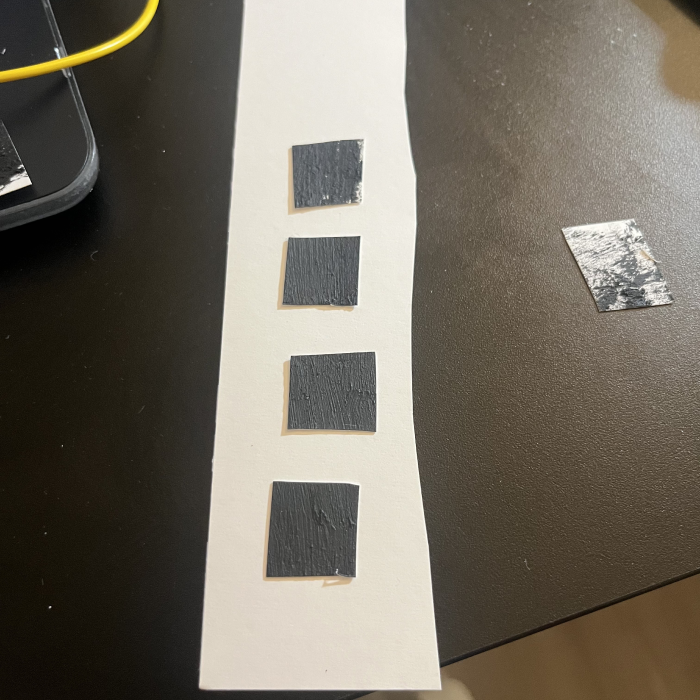
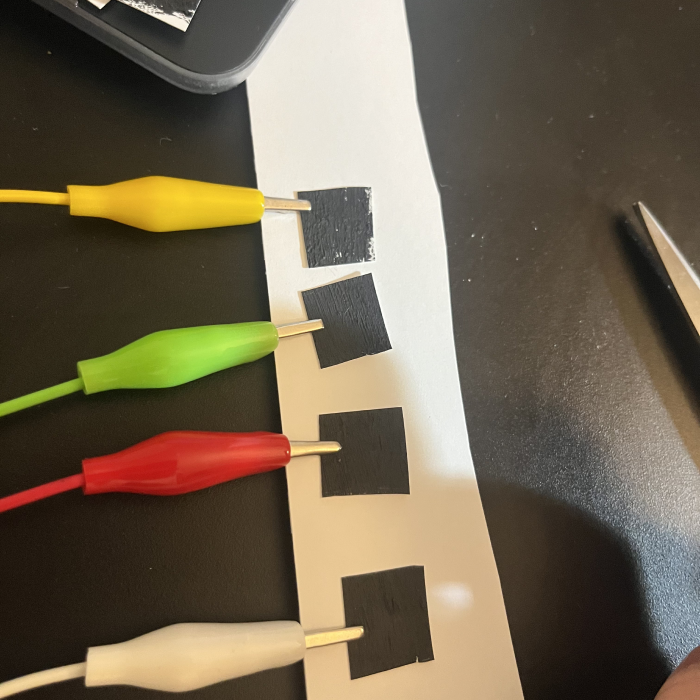
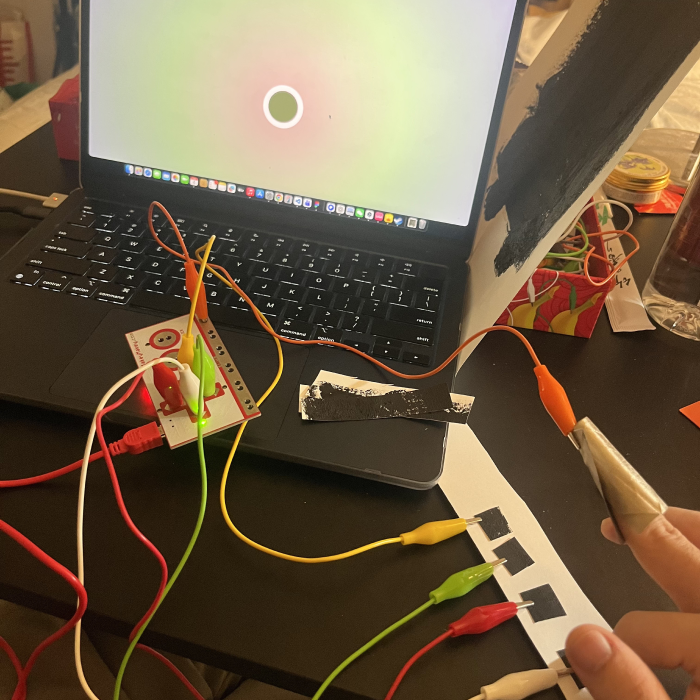
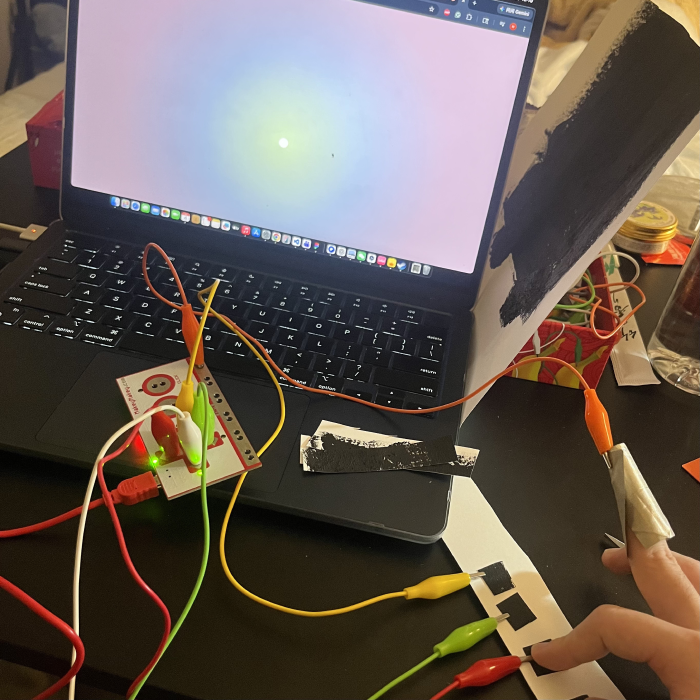
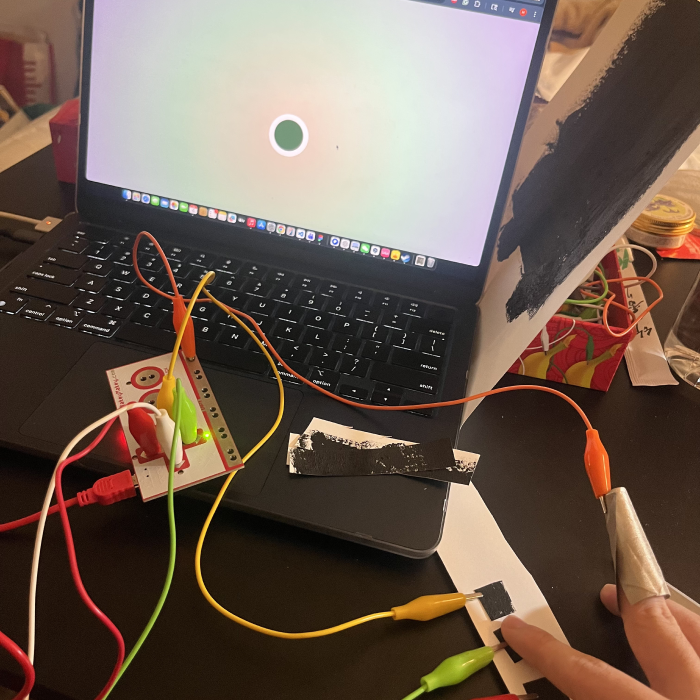
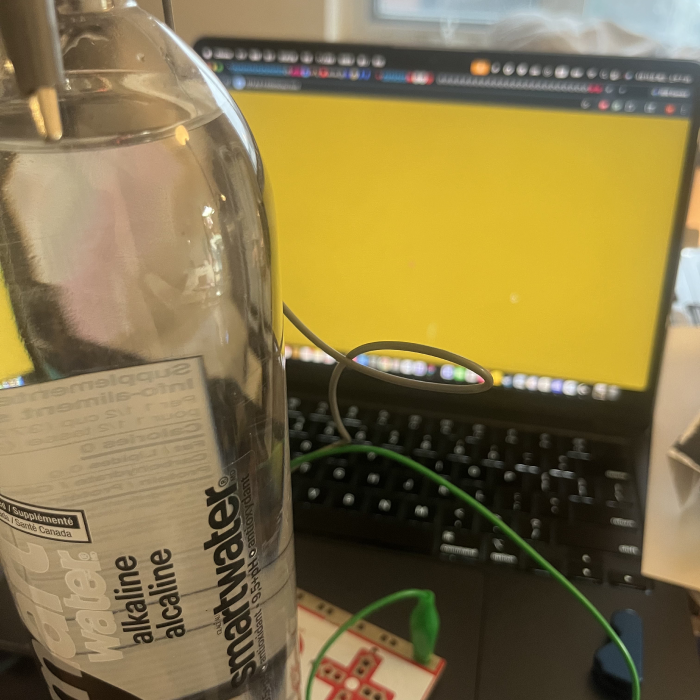
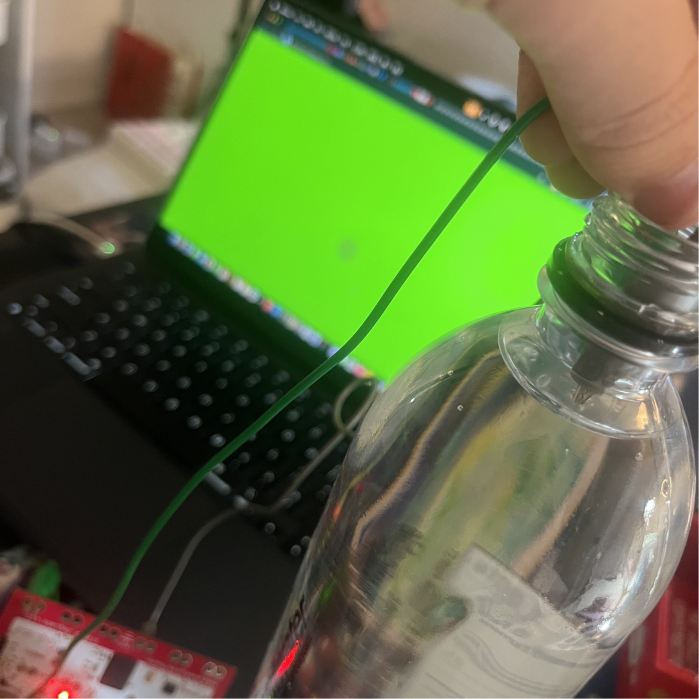
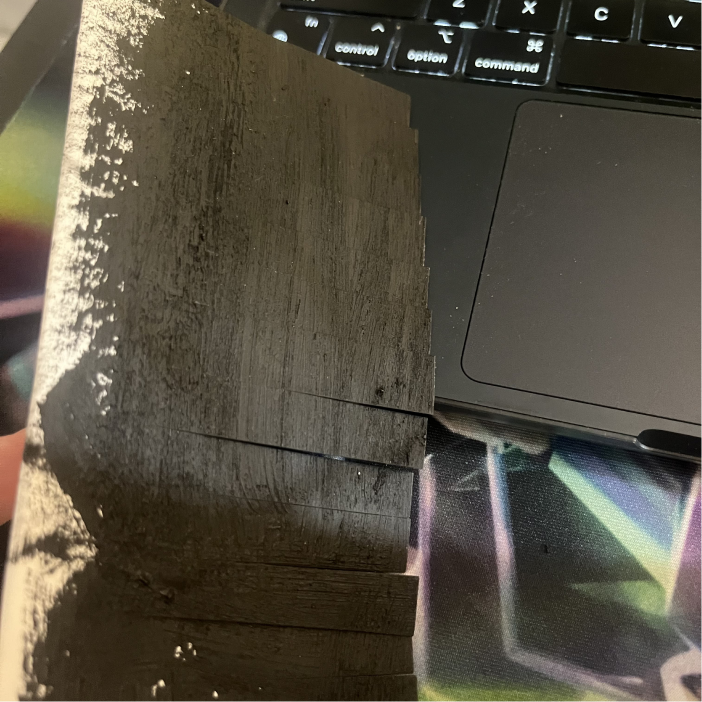
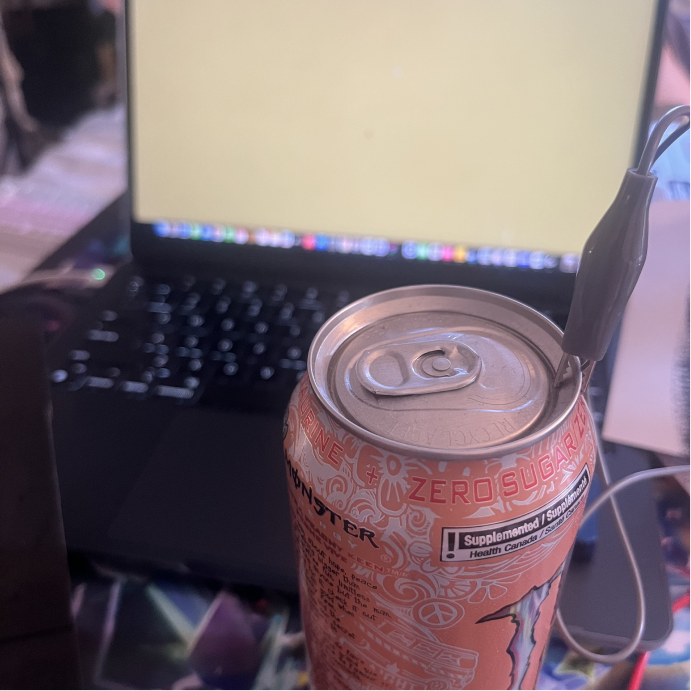
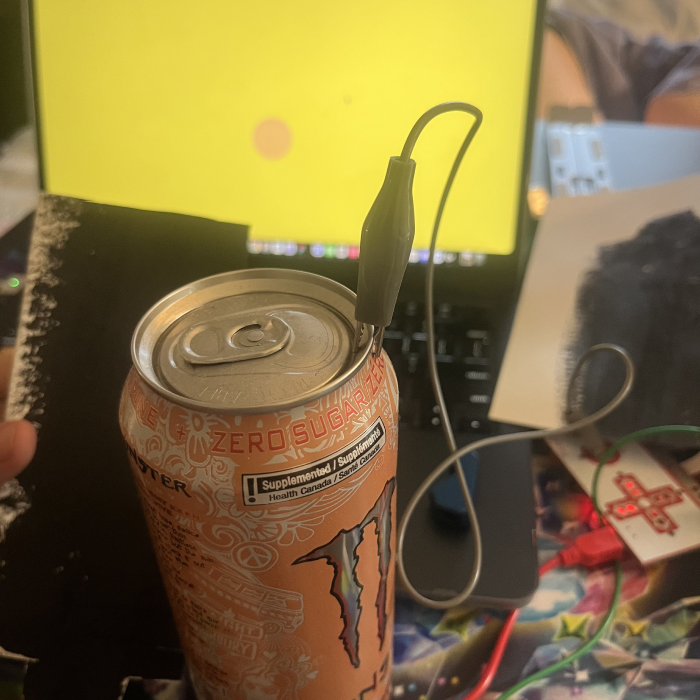
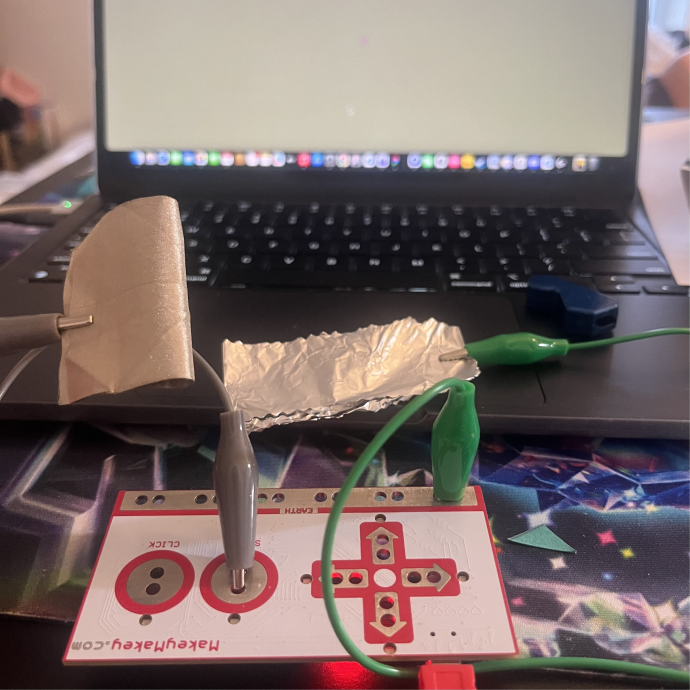
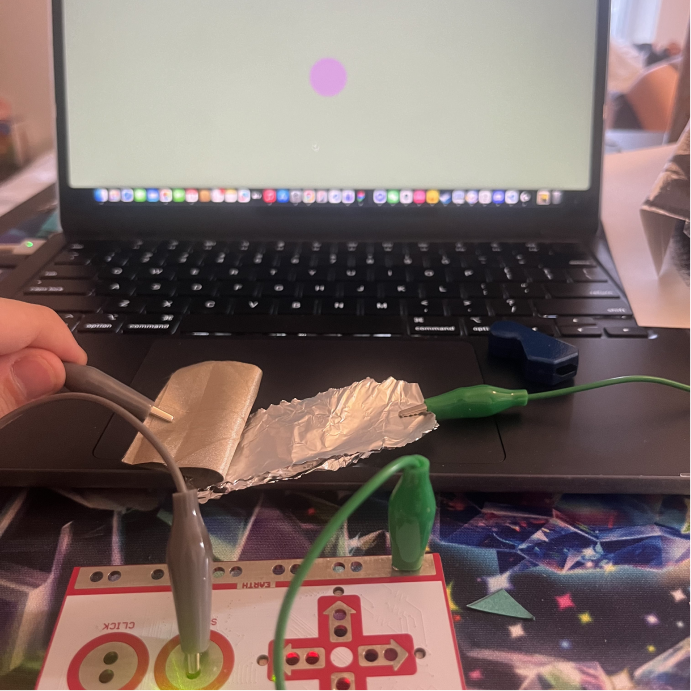
The graphite I used during the formstorming 2 Graphite paint Testing the graphite paint Setting up Makey Makey Activating screen Testing the conductive fabric and the graphite Activating the screen connected with graphite paint and conductive fabric Testing my project 2 wearable physical object Activating screen Testing graphite strips Activating the screen connected to the graphite strips Designed graphite strips with different levels of painting Testing multiple strips connected to makey makey at the same time Creating graphite touchpads Connecting the touchpads Activating the screen with touchpads Pressing on up arrow key touchpad Pressing on the down arrow key touchpad Setting up the water test Activating the water circuit Making a graphite brush Setting up the brush and the can Connecting the brush and the can Setting up the aluminum foil and the conductive fabric Activating the connection

Project 3


Final Project 3 Design

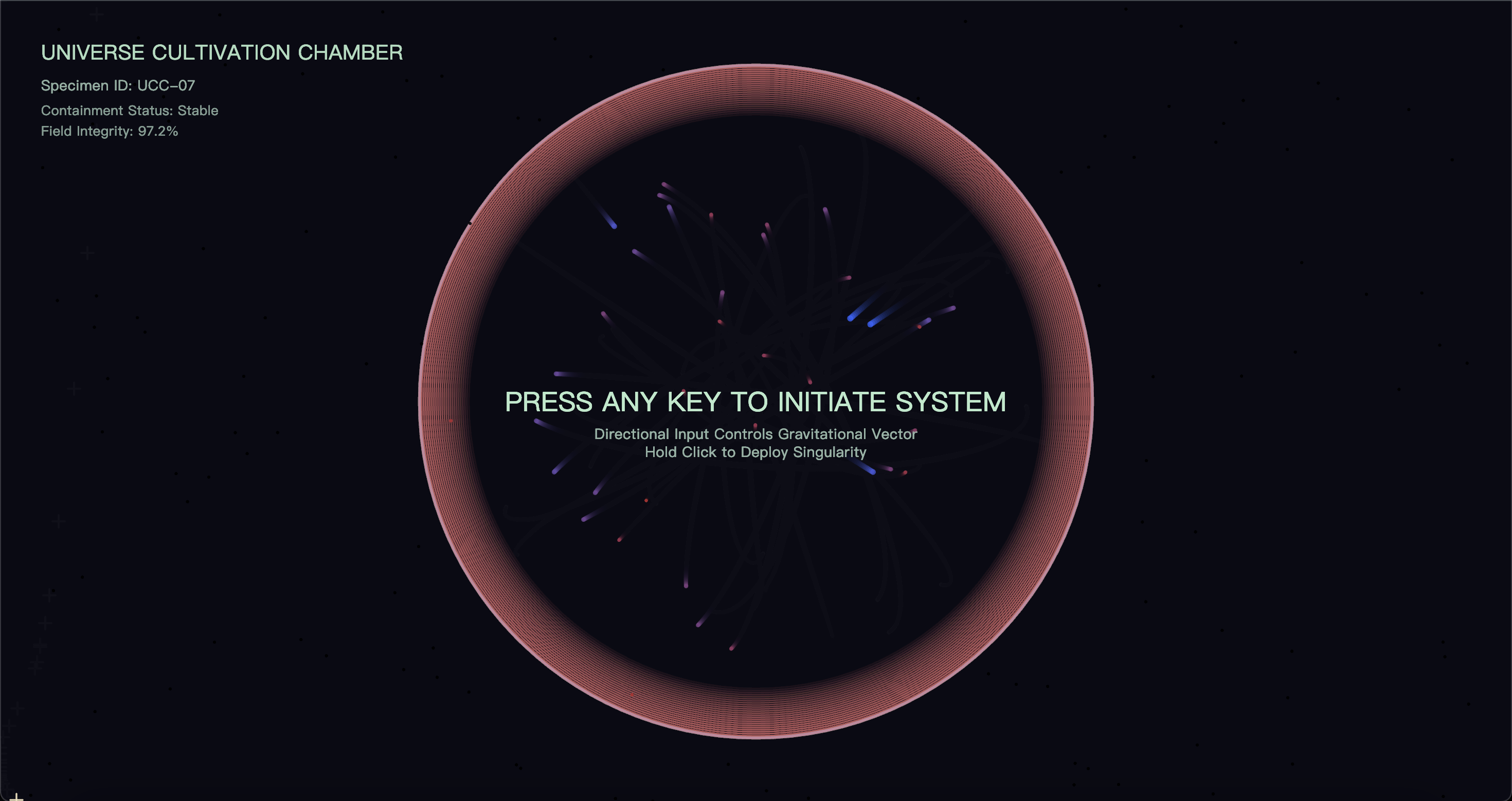
Universe Cultivation Chamber is a physical–digital interactive system where directional pressure on a real-world structure influences a p5.js particle ecosystem, simulating particles attempting to escape containment, burn at the atmospheric boundary, or be drawn inward by a deployable singularity.

Final Project URL: https://hujingch.phoenix.sheridanc.on.ca/Project_3_Connect_Design_for_Living_Systems_Huang_Jingchou/
test2Lorem ipsum dolor sit amet, consectetur adipiscing elit
×

Powered by w3.css